I was recently asked to think of some tips for anyone involved in recording during an actual play and this is just as valid for anyone generally recording voice.
So below are a few general hints and tips that I would suggest are worth the time to read if you are recording your voice live or on your own to be sent to someone.
Recording Tips.
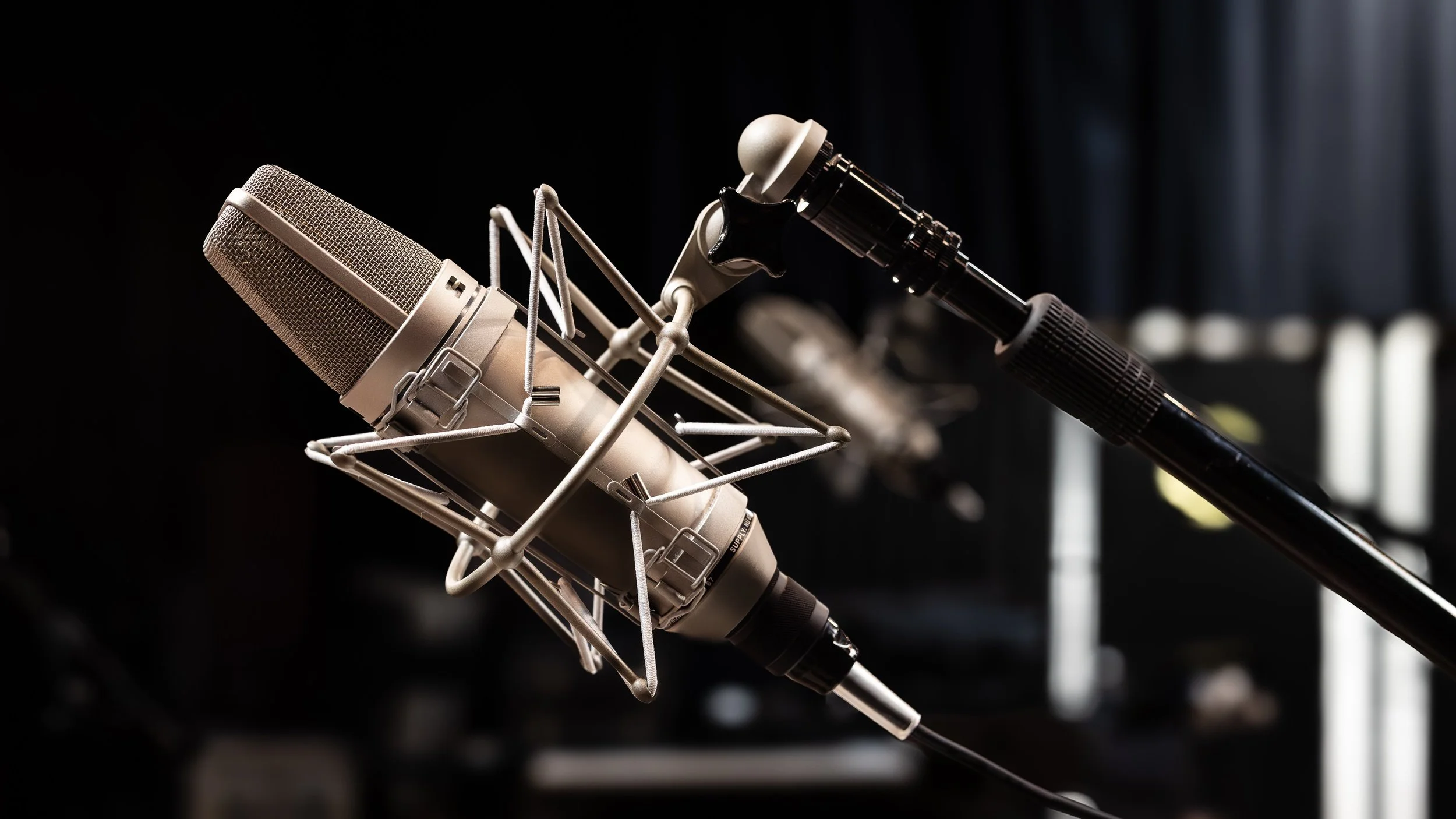
Image by MountainDweller from Pixabay
So, I am going to presume that you have a microphone and a way to connect it to your computer, it may be a usb connection or it might by an xlr mic into an audio interface that connects to your computer. Now someone has asked you to record something or take part in an actual play or ‘live’ recording. I am going to presume that you have an application such as Audacity or Reaper or a ‘lite’ version of an app that came with your interface if you are locally recording.
Make sure the mic is the right way around in the case of a condenser mic. It is easy to tell on a dynamic microphone, but condenser mics look the same front and back but there will be a marking to indicate the front. Believe me, you won’t be the first to record with the mic the wrong way around if you don’t check!
In the case of a multi pattern mic ensure that the switch is set to cardioid and not any other setting.
If the mic has a low-cut setting turn this on as it will help remove any low level noise such as cars outside or air-conditioning.
Use a good quality mic arm rather than a desk stand and if possible, a floor stand to eliminate the mic picking up table sounds. Alternatively put a mat or mouse mat or something under the desk stand or clamp to act as an absorber. Try to avoid touching the stand or mic during recording. Touches to the mic and stand and knocks on the surface it is attached to will be picked up by the microphone.
Ensure that a pop shield is employed to reduce pops and plosives. Especially important for condenser microphones which are extremely sensitive. The ‘p’ sound especially can cause ‘pops’ in the audio and a pop shield reduces this effect.
Place the mic slightly to the side of the mouth angled towards the mouth. Talk past the mic rather than directly into it. Test this by listening and positioning the mic. You can obtain the same vocal tone and detail without being direct onto the mic. This can also be achieved with the mic below or above the mouth but again angled towards the mouth.
Keep the same distance from the mic during recording and avoid lateral movement taking you off axis to the mic. Avoid a lot of movement. Avoid noisy clothing wear soft rustle free clothing.
Treat the microphone as the 'person' that you are talking to. You wouldn't keep looking away from someone you are in deep conversations with. Head turning and movement in any direction away from the microphone affects the sound levels, the tone captured and quality of the recording. Imagine that you want to catch every word spoken in a conversation. This also helps in removing microphone ‘fear’ as a strange piece of equipment infront of you.
The eventual aim of course is to forget the microphone entirely once the above becomes natural a state.
If shouting or whispering for effect move body position. Lean back from the mic to shout, lean in towards the microphone to whisper. The closer you are to a microphone the more the ‘proximity effect’ kicks in and the voice will sound more intimate and richer. Too close and it will become overpowering and muddy. A shout or whisper can also be made without changing vocal volume. It is a tone rather than volume. Don’t go for the DJ silky low tone just place yourself at a distance where your voice sounds natural and not overly rich or base heavy. In real life recording this never sounds good.
Relax. Often when a microphone is put in front of someone they freeze, they hate the sound of their own voice. No one’s voice sounds in a recording like it does in their head. Resonances in the skull mean we hear our voice differently to everyone else. Don’t worry about it. Every voice is unique. Hardly anyone likes the sound of their own voice in a recording. Other people will like your voice.
Talk into the mic while looking at the volume meter and then talk expressively into the mic. Ideally normal level speech should be sitting around -12db and louder speech at -6db. This avoids clipping and allows for headroom for the editing process. Low sound levels can be raised; clipping distortion cannot be fixed in editing.
Try to treat your recording space. A duvet or blanket hung on the wall in front you and soft furnishing will reduce echo. Try to record in a room with lots of soft furnishings as an easy remedy to echo.
Don’t apply any noise gating especially if the background noise is loud as it will intrude when the gate opens during speech and will be impossible to correct without affecting voice audio quality.
Record a section of at least 10 second silence at the start of the recording. This allows noise removal tools to be used in the edit.
A noise gate can be used for very low-level noise which isn’t noticeable when the gate is open, however check with the person who will be editing before doing this.
If you are recording locally and sending a file to someone do not apply any effects to the recording. This includes (but is not limited to): EQ, Compression and Normalisation which are the most common processing tools. Send the file as recorded as the person editing the recording wants the original sounding recording and they will apply any effects or processing during the editing process. The person editing cannot ‘undo’ any changes that you have made to the file.
If in doubt - ask!
Have fun! Taking part in something recorded is great fun and a great way to connect with the world. Relax and just be you.
This isn’t meant to be an exhaustive introduction to microphone technique and recording or a total beginners guide. I am also presuming some familiarity with equipment and terms.